Learn how to set up and maintain users, roles, and profiles in EPG ONE WMS so that people have the right access and start settings for their daily work. This course covers user profiles, authorizations, autostart settings, and the link between configuration and operational processes, enabling administrators and key users to manage WMS access safely and efficiently.
Who This Course Is For:
WMS system administrators and IT support staff
Key users with responsibility for user setup and maintenance
Process owners who define roles and access scopes in EPG ONE WMS
What You’ll Learn
By the end of this course, you will be able to:
Understand how user administration fits into the overall WMS system landscape and Start Center concept
Create and maintain WMS user profiles (names, descriptions, language, warehouses, menus)
Configure autostart settings so users start directly in the correct warehouse, company, menu option, and mode (WMS, RF, etc.)
Assign process‑relevant authorizations at user/profile level (e.g. putaway staff flags and similar role‑linked permissions)
Align Start Center configurations and profiles with user roles, ensuring meaningful distribution of the “logistical load” across users and sessions
Apply best practices for testing, documenting, and maintaining user‑related settings in productive and test environments
Built for Smarter, Faster Shipping Operations
Our Course Content
Participants work through practical examples and guided exercises to apply each concept directly in the system.
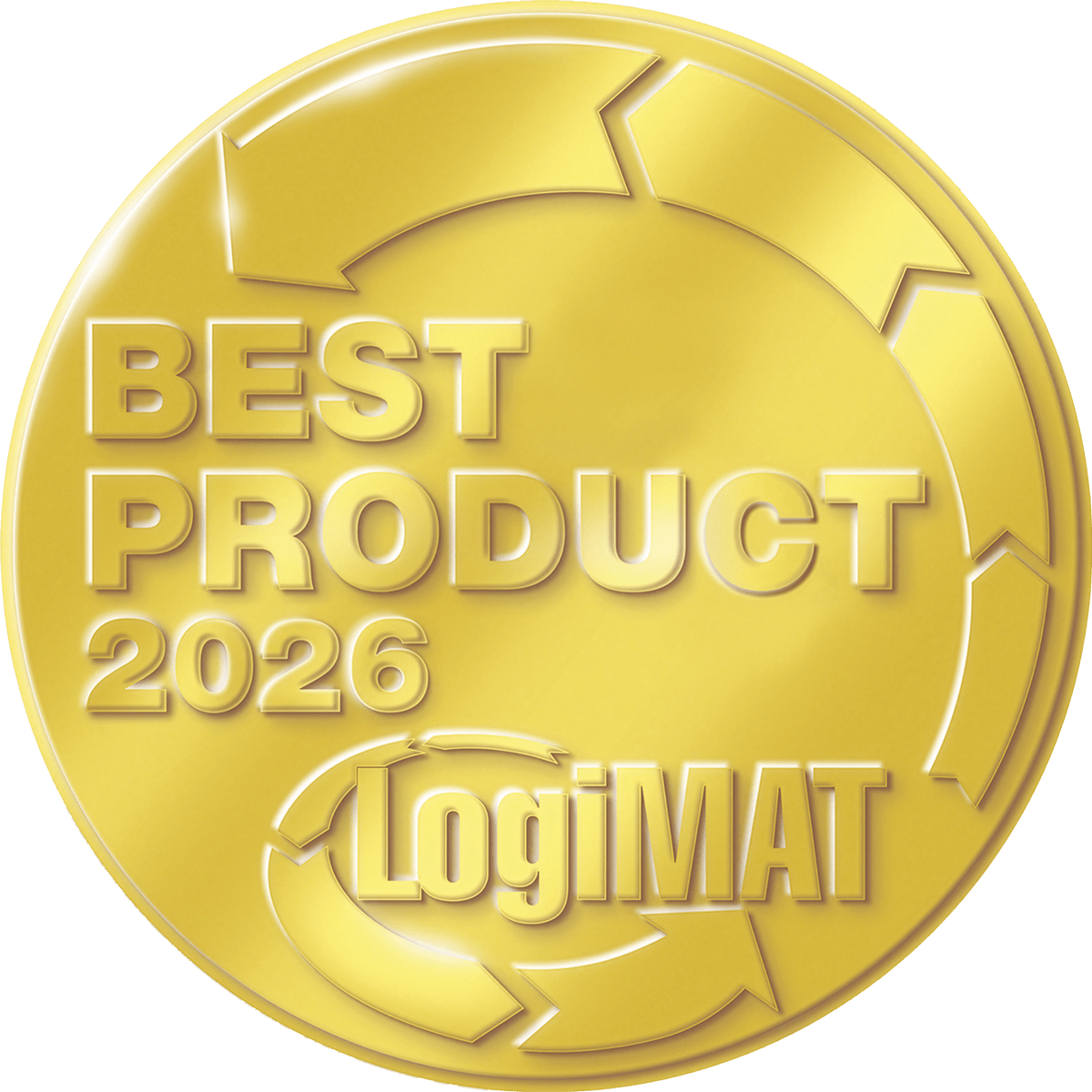
We are proud that the EPG AURA Observer won the LogiMAT “Best Product 2026” award! Read this exclusive reprint to find out how our AI solution is shaping the future of logistics.

 Global
  Español
  Português
  Deutsch
  English
  Français
  Italiano
  Español
  Nederlands
  Polski
  Čeština
  AE-English
  日本語
日本語  AU-English